
Two ways to split
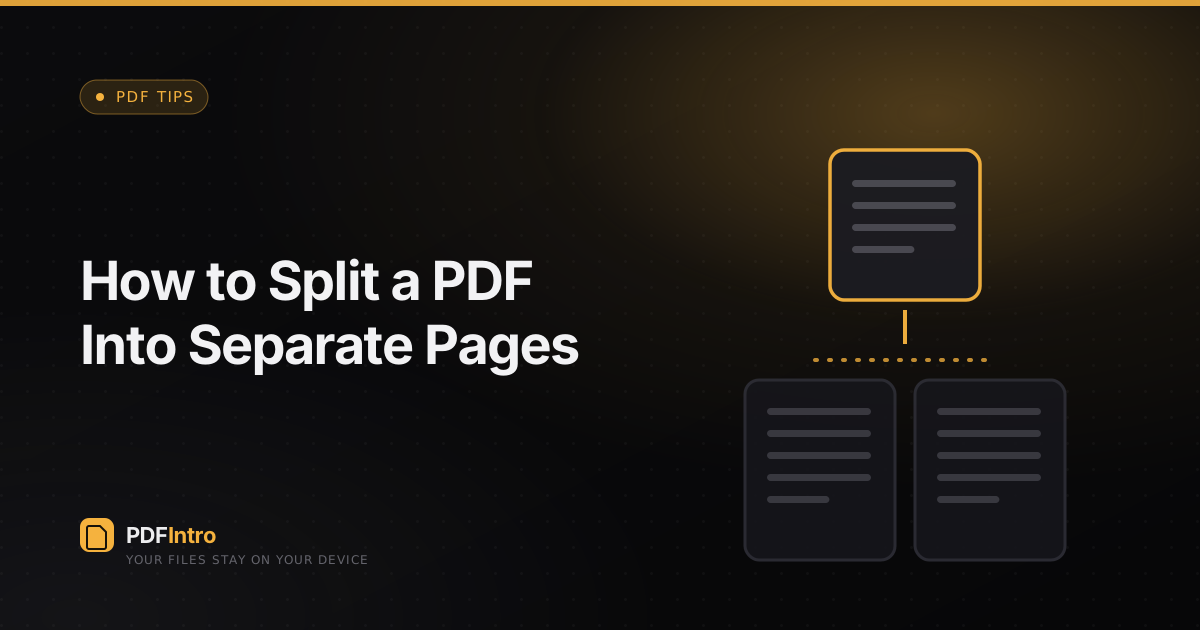
You usually want one of two things: every page as its own file, or specific ranges (say pages 1–3 and 8–10) pulled out separately. The Split tool supports both modes.
Each page mode
Choose “Each page” and every page becomes its own PDF. They’re bundled into a single zip so your downloads folder doesn’t fill with twenty files at once.
By ranges
Switch to “By ranges” and type something like 1-2, 3-5, 6. Each range becomes one PDF. This is ideal for separating chapters or invoices that were scanned together.
Why a zip
Browsers can’t drop a folder of files into your downloads in one go, so JSZip packages them client-side. The zip is assembled in memory and never touches a server.