
The problem with “free online merge”
Most merge sites ask you to upload every file to their servers. For a marketing flyer that’s fine. For a signed contract or a bank statement, you’ve just handed a private document to an unknown machine and a deletion promise you can’t verify.
Merging locally instead
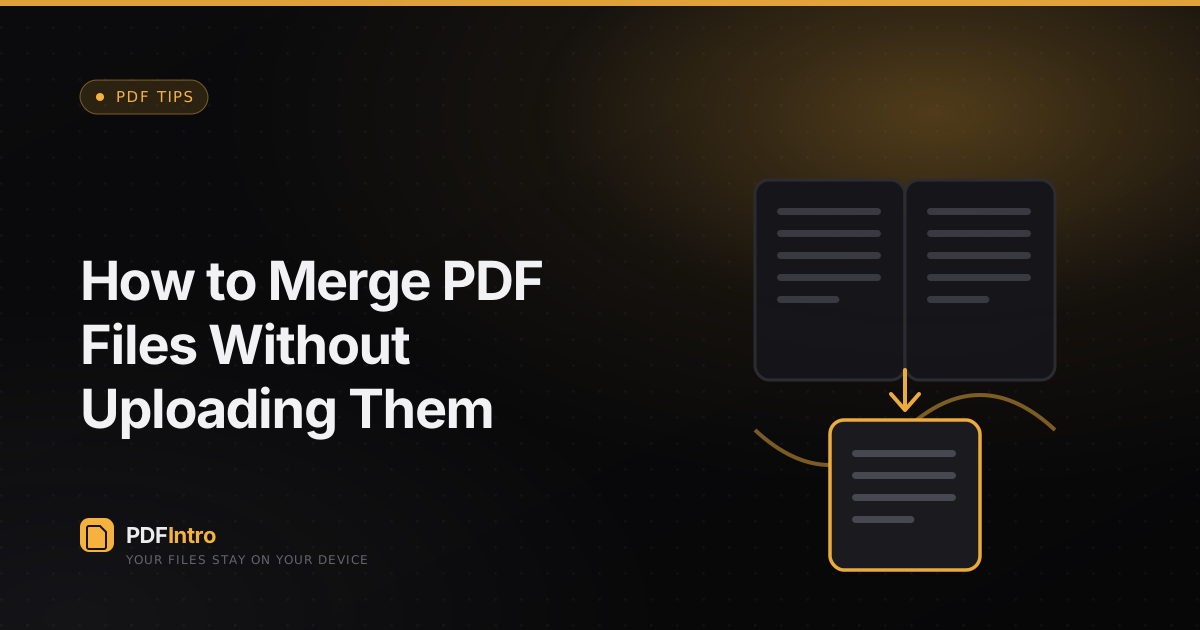
A browser can open the byte content of each PDF, copy the pages into a new document, and save the result — all without a network request. That’s exactly what the Merge tool does using PDF-lib. The files are read into memory in your tab and never transmitted.
Step by step
Open Merge, drop your PDFs in, drag the rows to set the order you want, then click Run. A combined file downloads straight to your device. If you change your mind, clear the list and start again — nothing was uploaded to undo.
When order matters
Because merging is just page copying, the sequence of files is the sequence of pages. Reorder before running rather than after, and you’ll never need a second pass.