
Extraction, not screenshots
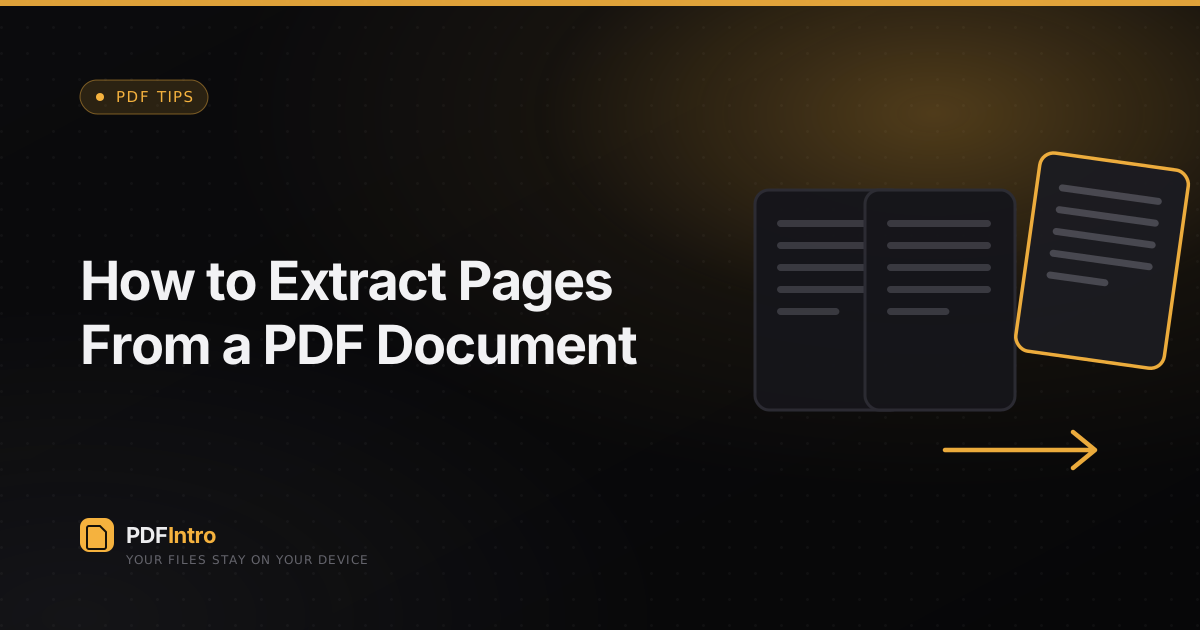
Screenshotting a page loses its text and quality. Extraction copies the real page into a new PDF, keeping everything selectable and crisp.
Choosing pages
Enter a range like 1-3, 8. The Extract tool builds a new document from exactly those pages, in the order you list them.
Common uses
Sending one signed page of a contract, sharing a single chapter of a report, or pulling a form out of a bundled scan — all without exposing the rest of the document.
Pairs well with merge
Extract the pages you need from several PDFs, then merge them into one clean file. Both steps run on your device, back to back.