
One PDF from many images
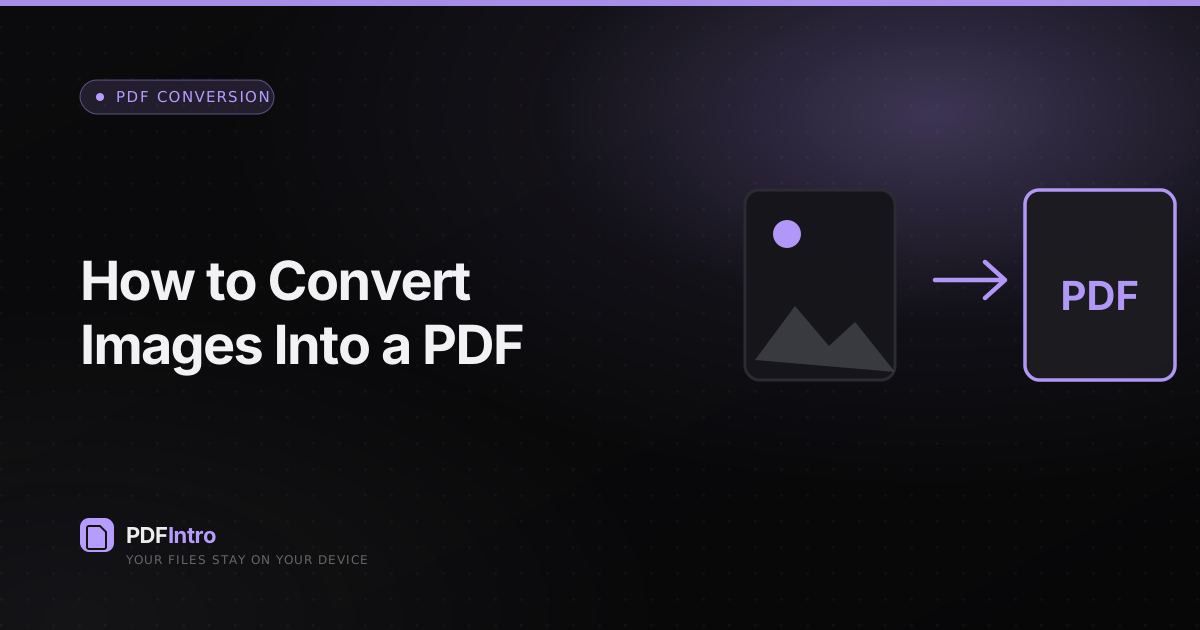
Whether it’s receipts photographed on a phone or a set of scans, bundling images into one PDF makes them easier to send and archive. The Images to PDF tool does this locally.
Layout choices
Pick “Fit to A4” for a consistent document where each image sits on a standard page, or “Match image” to size each page to its picture. Receipts usually look best fitted; artwork often suits matching.
Order and margins
Drag the image rows to set the page order, and use the margin slider to add breathing room. Everything previews instantly because it’s all happening on your device.
Format notes
JPG, PNG and WebP are all supported. Transparent PNGs are placed on a white page so they print predictably.